 User Documentation
 Content Tags can be assigned to articles to filter a group of articles that can satisfy the same criteria. For example, if you are designing articles describing courses listed on the website. You can assign the same tag to several that all cover a different aspect of a similar topic. One course can have multiple tags identifying different aspects of a topic area. For example, the tag "Cargo" can be used for courses that cover Cargo Insurance, Cargo Transportation, Cargo Theft. But each of these courses would be assigned to a single category.
Prerequisites
You must have Joomla administrator account and have created several articles and assigned them to Categories.
Steps
- Login as an Administrator to your Joomla website.
- Under the Administrator menu in Joomla, click on the Content option, then Articles.
- To assign a Tag to an article, double click on the article name and enter a tag name in the Tag text box along the right hand side of the article. Press the Enter key to Save the tag.
- Repeat steps 2 and 3 for all the articles that would be assigned to this tag.
- Multiple tags can be added to articles following the same steps.

Managing Tags In the Administrator Side
Wherever you add new Tags within Joomla, they will all appear in the Tags list and you can filter your articles on a particular tag.
Displaying Articles with the Same Tag on the Front End
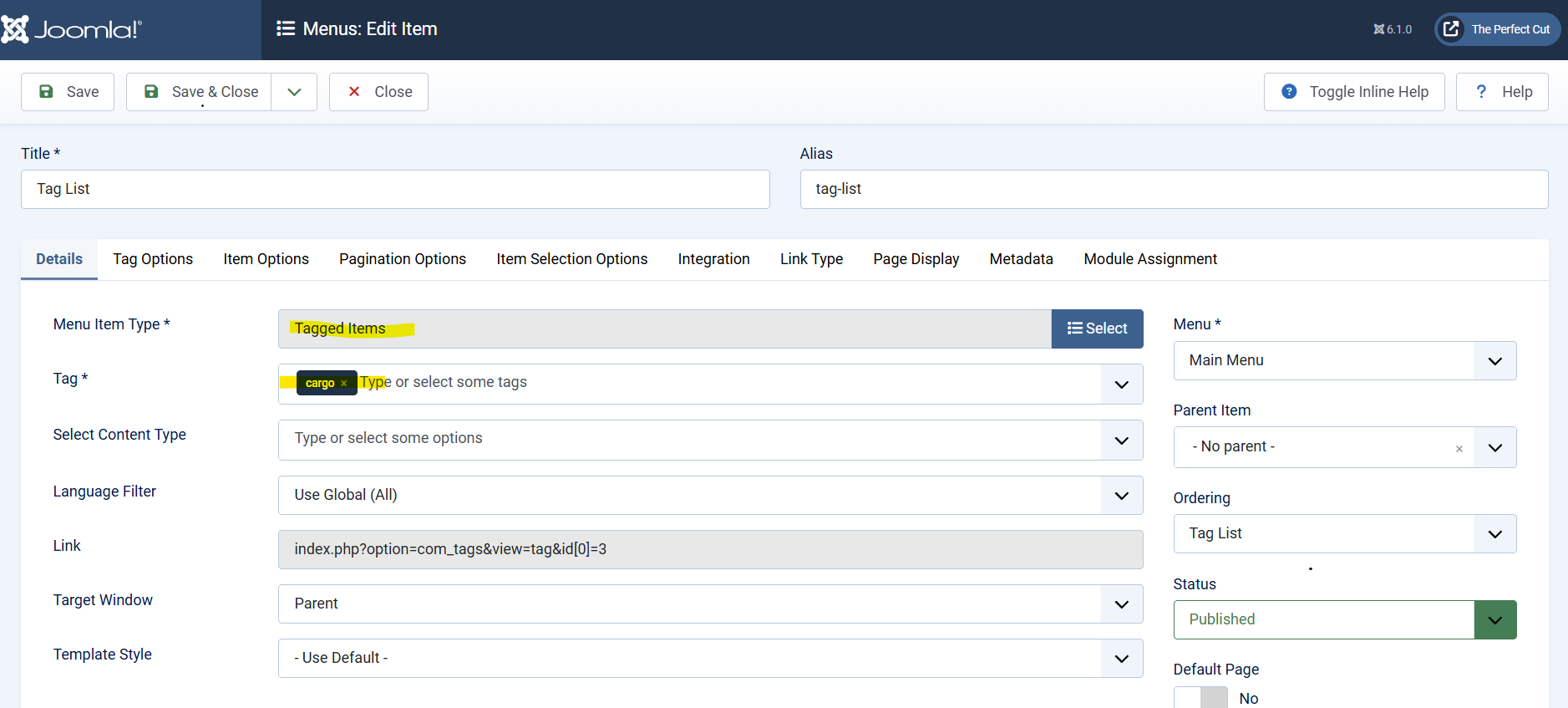
On the front end of your site, you can display all articles that have the same tag by creating a menu item with type Tagged Items.
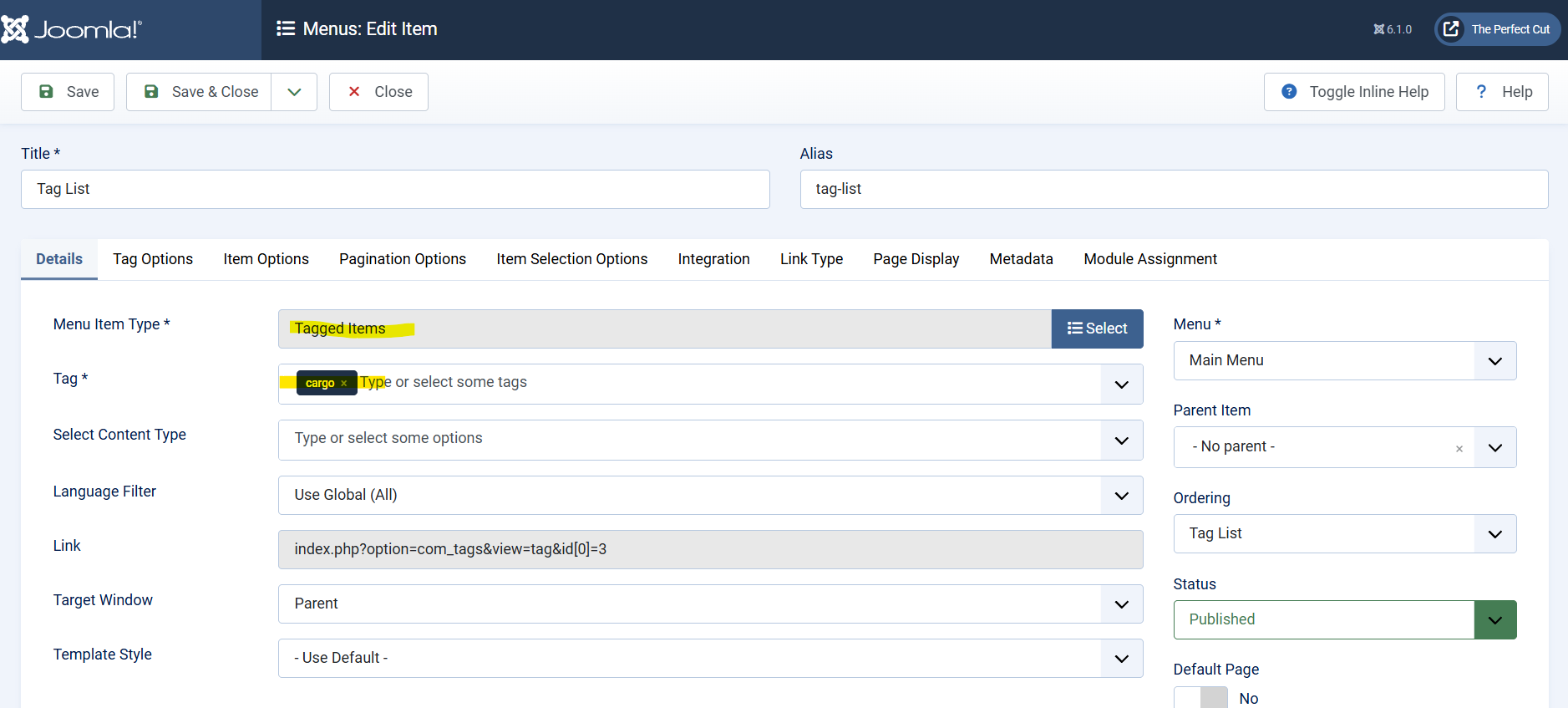

Clicking on the Tagged Items menu, will take you to a page that outputs a list of all the articles assigned to the tag you added in the menu option.